
What Model Digitals Are and Why Agencies Demand Them
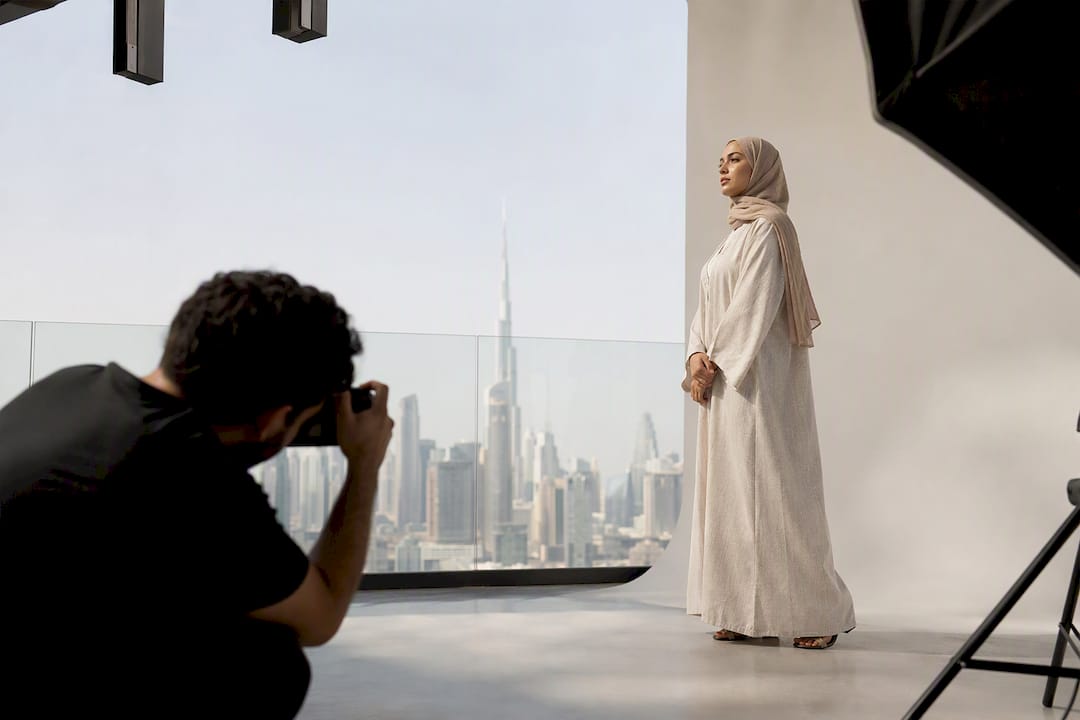
Model digitals are unretouched, current photographs showing your true appearance, taken specifically for agency and client evaluation rather than editorial display. The minimum agency-ready set includes a set of essential shots for full assessment, such as full-length front and side or profile shots, as well as close-up neutral and smiling headshots. Agencies read digitals the way a casting director reads a résumé: fast, literal, and looking for red flags first.
Three rules separate acceptable digitals from rejected ones:
- Do shoot against a plain background in soft, even light with no filters or beauty modes engaged.
- Do follow the exact shot list and file specs the agency provides, without substitution.
- Don’t retouch skin, reshape your body, or submit anything older than a few months.
TL;DR:
- Agencies prioritize unretouched, current digitals that clearly show your natural build and proportions, with strict adherence to specified shot lists and minimal edits.
- The standard set includes full-length front and profile shots, a neutral close-up, and a smiling headshot, with optional extras like profile and waist-up shots.
- Proper lighting relies on soft, natural daylight against a plain background, with the camera on the rear lens and no filters or beauty modes active.
- Wardrobe should be fitted, simple, and free of patterns or logos, while hair styling should include both up and down to showcase versatility.
- Digitals should be refreshed every three to six months or after major changes, and professional help is recommended for first submissions or significant look adjustments.
Table of Contents
- What Belongs in a Model Digitals Guide’s Essential Shot List
- Wardrobe and Grooming That Reveal Your Proportions
- Lighting, Backgrounds, and Camera Settings for Honest Digitals
- How Should You Pose for Agency-Ready Digitals?
- File Formats, Naming, and Submission Requirements
- How Often Should You Update Your Model Digitals?
- What Agencies Actually Prioritize When Reviewing Digitals
- A Note From ANT on Building Agency-Ready Digitals
- Get Professional Digitals Through ANT Management
- Key Takeaways
- Sources
What Belongs in a Model Digitals Guide’s Essential Shot List
Agencies work from a fairly rigid template, and knowing it before you shoot saves you a reshoot later. The industry-standard set includes a full-body front, full-body side or profile, a neutral close-up with hair pulled back, and a smiling close-up. Some agencies extend that to a five-shot minimum, adding a left and right profile or a mid-length waist-up frame.
Here’s how to stage each one, whether you’re using a phone or directing a photographer:
- Full-length front: Camera at chest height, subject centered, feet included in frame, arms relaxed at the sides.
- Full-length side/profile: Same distance and height, body turned 90 degrees, chin level, one foot slightly in front of the other.
- Close-up neutral: Shoulders up, hair off the face, camera at eye level, no smile, natural gaze at the lens.
- Close-up smiling: Identical framing to the neutral shot, genuine smile, same lighting and distance for direct comparison.
If an agency requests extra frames, a swimsuit or body-line shot and a walking shot are the most common additions. Never volunteer these unprompted.
Pro Tip: Shoot the same four frames twice, once with hair up and once down, so the agency can choose which reads better for your look.
Wardrobe and Grooming That Reveal Your Proportions
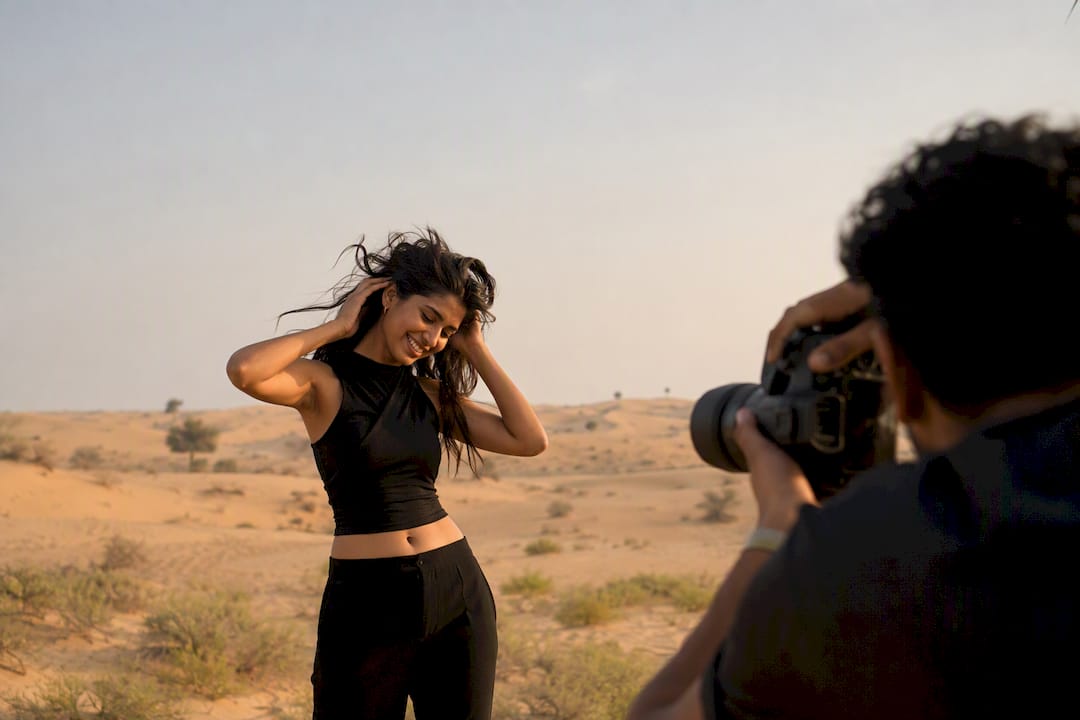
Clothing choices either help an agency assess your build or actively hide it. The goal is simple: let your natural shape and bone structure show without distraction.
- Wear a fitted tank or close-cut top with slim jeans or leggings, in a neutral tone like black, white, or gray.
- Style hair both pulled back and worn down across your close-ups so bookers see your face fully and your natural texture.
- Keep makeup minimal, just enough to even skin tone. No contouring, no false lashes, no heavy lip color.
- Skip patterned fabric, large logos, statement jewelry, and fresh fake tan, all of which distort how proportions and skin tone actually read on camera.
This is one place where less genuinely photographs as more.
Lighting, Backgrounds, and Camera Settings for Honest Digitals
Digitals live or die on lighting accuracy, and this is where most self-shot submissions go wrong before the pose even matters. Soft, even light from a window or open shade flatters skin tone without exaggerating it. Mixed color temperatures, like a warm lamp beside a cool window, cast a tint agencies will notice immediately on-screen.
- Light source: Natural daylight, indirect and diffused, is the most reliable option for phone shoots.
- Background: A plain wall in a neutral tone, with the subject standing at least three feet away to avoid a cast shadow.
- Camera setup: Use the rear camera for higher resolution, disable any beauty filter or smoothing mode, and steady the phone on a tripod or stack of books.
- Avoid: Harsh overhead light, colored gel lighting, and busy or textured backdrops that pull focus from the body.
A camera lens smudge is invisible on a small screen but glaring once a booker views the file at full size, so wipe the lens before every shoot.
How Should You Pose for Agency-Ready Digitals?
Digitals reward restraint. Agencies aren’t judging your ability to perform a pose, they’re checking whether your proportions, posture, and face read clearly and consistently across four or five frames.
- Stand naturally, weight balanced or slightly shifted onto one leg, shoulders relaxed rather than pulled back into a performance stance.
- Keep arms visible and away from the torso so your waist and hips aren’t obscured.
- Use two facial expressions only, a neutral gaze and a natural smile, both looking directly into the lens.
- Avoid dramatic angles, exaggerated hip pops, hands on the face, or squinting into direct sun.
If someone without photography experience is shooting for you, give them one instruction per frame: “chest height, centered, feet in frame” is more useful than a paragraph of direction. Have them check the screen after each shot rather than reviewing everything at the end.
File Formats, Naming, and Submission Requirements
A strong shot list still gets ignored if the files arrive disorganized. Export images as high-resolution JPEGs, generally 300 dpi or the native resolution your camera or phone captures, since agencies often print or zoom into submissions during review.
- Name files clearly: last name, shot type, and number (for example, “Smith_FullFront_01.jpg”).
- Group by shot type rather than shoot date, so a booker can scan the full set in seconds.
- List measurements in the submission if the agency requests them, using their preferred format.
- Confirm the retouching policy before sending anything through a filter or editing app, since most agencies want unretouched, current images by default.
Read the agency’s submission instructions twice before you shoot, not after.
How Often Should You Update Your Model Digitals?
Working models typically refresh their digitals every three to six months, and new faces should shoot fresh sets the moment they start submitting to multiple agencies.
- Immediate reshoot triggers: A haircut, a color change, a noticeable weight shift, or any new tattoo or piercing.
- Seasonal changes: Skin tone shifts from sun exposure are worth a quick update between scheduled refreshes.
- Workflow tip: Keep your wardrobe and lighting setup consistent between shoots so updates take minutes, not a full production.
What Agencies Actually Prioritize When Reviewing Digitals
ANT Management reviews hundreds of submissions across fashion, commercial, and influencer categories, and the pattern is consistent: honest, current, easy-to-scan digitals get opened. Overproduced ones get set aside.
The most common rejection isn’t a look problem. It’s retouching, an outdated photo, or a submission that ignores the exact shot list requested. Bookers assume that if you can’t follow simple photo instructions, you may not follow instructions on set either.
Retouched skin, filtered color, and cropped-out feet are the three fastest ways to lose credibility before anyone evaluates your face or body. Ignoring stated specs, submitting six shots when five were requested, or sending a mismatched file format, signals the same thing to a booker.
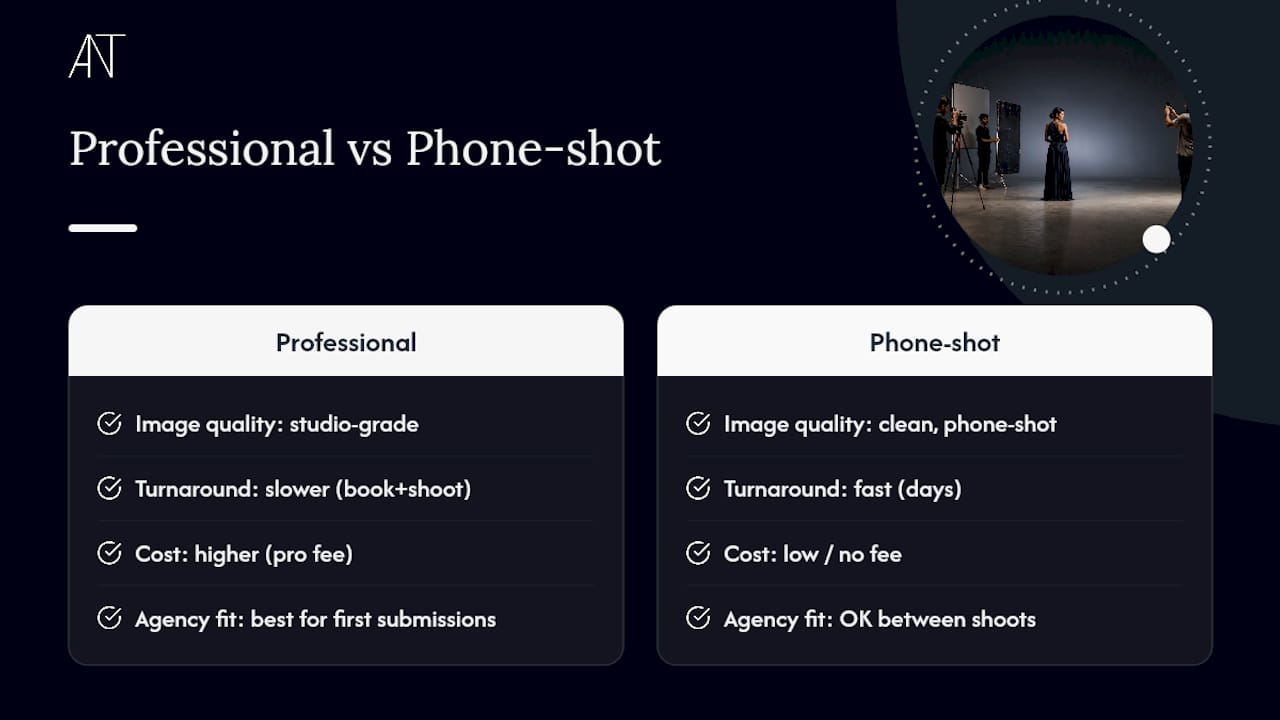
Pro Tip: If you’re between professional shoots and need to submit within days, a clean phone-shot set following the checklist above is genuinely acceptable. Book a professional session only when you’re making a first submission to multiple agencies or your look has changed enough to need a full reset.
A Note From ANT on Building Agency-Ready Digitals
ANT Management exists to make sure talent shows up ready, not just photogenic. Every guideline in this piece reflects what actually gets a submission opened rather than what looks impressive on a moodboard.
If you’re preparing your first set or rebuilding after a change in your look, our team is a resource, not just a gatekeeper.
— ANT
Get Professional Digitals Through ANT Management
Skip the guesswork of a solo phone shoot when the stakes are a first agency submission. ANT Management offers professional digitals sessions and representation support built around exactly the standards outlined above, plus ANT Camp training for models who want feedback on posture, presence, and portfolio strategy before they submit anywhere.
A professional session makes the most sense when you’re submitting to multiple agencies at once, recovering from a major look change, or simply want a second set of trained eyes checking framing and lighting before bookers see your work. If you’re ready to move forward, reach out through ANT Management’s booking page to inquire about a digitals session or apply for representation directly.
Key Takeaways
Agency-ready digitals succeed when they show your true, current appearance in a fixed set of unretouched, clearly framed shots that follow the exact specs an agency requests.
| Point | Details |
|---|---|
| Minimum shot list | Full-length front, full-length side, neutral close-up, and smiling close-up cover most agency requirements. |
| No retouching | Agencies expect unretouched, current photos; editing skin or shape is a top reason submissions get ignored. |
| Lighting and background | Use soft daylight against a plain background, at least three feet from the wall to avoid shadows. |
| Update every 3 months or so | Refresh digitals on that cadence, and immediately after a haircut, weight change, or new tattoo. |
| Professional help when needed | ANT Management offers digitals sessions and ANT Camp training for first submissions or major look changes. |
Sources
- What are modeling digitals (polaroids) — why you want them for agencies — Mike McGee Photography
- Modeling digitals: How to take photos agencies want — Headshots LA
- Modeling