
Shot List Examples for Film, Video, and Photography
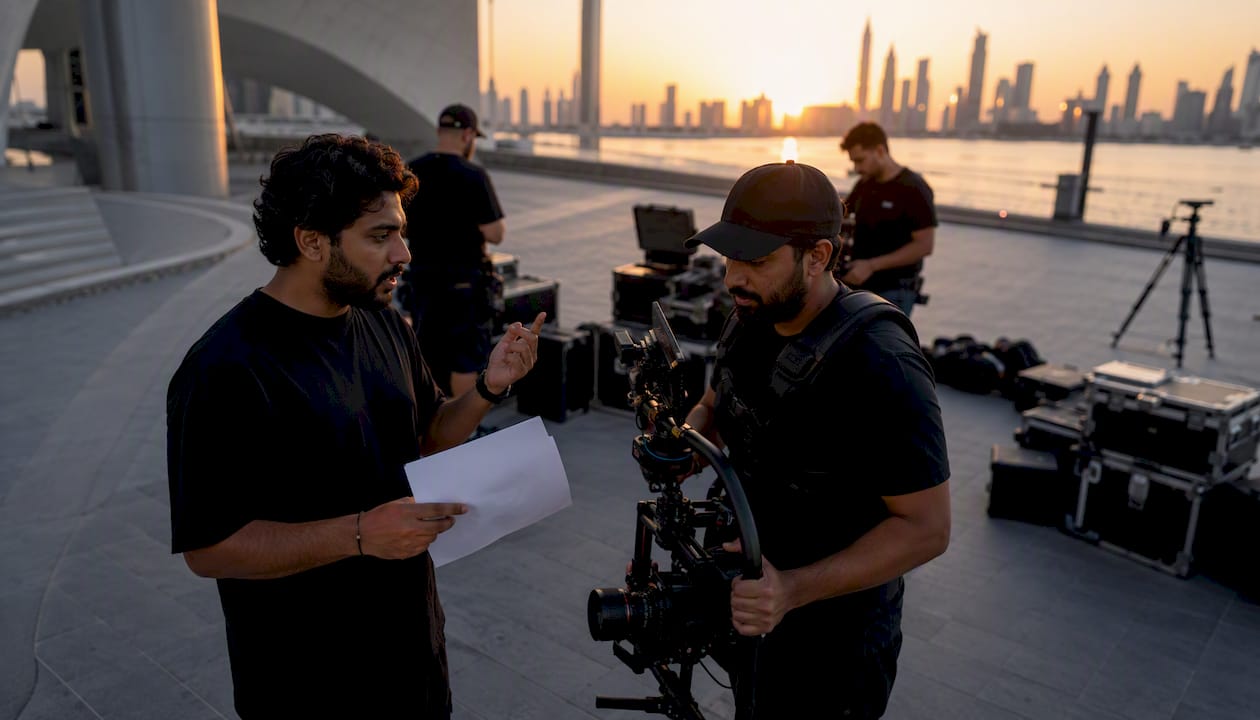
A shot list is a concise, ordered inventory of every camera setup you must capture for a shoot — the document that transforms creative vision into executable coverage. Open a proven template first: StudioBinder’s shot list builder, a Google Sheets or Excel template, or Milanote’s visual board. Then write these three things before anything else:
- Scene/Shot ID — a unique identifier for every setup (e.g., Scene 3, Shot 7)
- Short description — one line on the action or subject in frame
- Priority — must-have, preferred, or creative (so you know what to protect when the schedule slips)
ANT Management connects productions with photographers, videographers, and supporting crew when you need vetted talent behind the lens as well as in front of it.
Key Takeaways
A usable shot list combines a clear column structure, priority-ranked shots, and a shooting order organized by setup rather than story sequence.
| Point | Details |
|---|---|
| Start with three essentials | Every shot needs a scene/shot ID, a one-line description, and a priority level before anything else. |
| Order by setup, not story | Grouping shots by camera position and lighting saves reset time and protects the schedule. |
| Collaborate before locking | Review the list with the DP, 1st AD, and client in pre-production to surface conflicts early. |
| Keep it live on set | Mark shots Done immediately, note substitutions in the Status column, and never treat the list as static. |
| ANT Management for crew | ANT Management connects productions with vetted photographers, videographers, and creative crew for any shoot type. |
Table of Contents
- What is a shot list, and when do you actually need one?
- Shot list anatomy: the columns every usable list needs
- How to build a shoot-ready shot list in seven steps
- Ready-to-use shot list examples for five common shoot types
- Shot list vs. storyboard: which one do you need?
- How to use, share, and update your shot list on set
- Research-backed tips and the mistakes that cost productions most
- An editorial perspective on what shot lists actually do
- ANT Management connects your shot list to the right crew
- Sources
What is a shot list, and when do you actually need one?
A shot list outlines every shot required for a scene or shooting day and commonly includes scene and shot numbers, shot type, camera movement, equipment, and timing. Think of it as the production’s master checklist: it tells the crew what to capture, in what order, and with what gear, so nothing is left to chance.
Use a shot list any time you are managing more than one camera setup. That threshold is lower than most people assume.
Shot list vs. storyboard — the quick distinction:
A shot list is an inventory and schedule. It answers: what shots do we need, and in what order do we shoot them? A storyboard is a visual sequence: it answers, what does each frame look like, and how does the edit flow? Both can coexist on the same project, but they serve different cognitive functions. A storyboard without a shot list leaves the crew without a schedule; a shot list without a storyboard leaves the director without a framing reference on complex visual sequences.
Productions that benefit most from a dedicated shot list:
- Narrative film and scripted television (any multi-scene shoot day)
- Commercial and brand campaigns (tight schedules, client approvals)
- Product photography (multiple SKUs, consistent lighting setups)
- Wedding and event coverage (non-repeatable moments, multiple locations)
- Portrait and headshot sessions (subject rotations, lighting variations)
Shot list anatomy: the columns every usable list needs
Most shot lists are grid or spreadsheet-style documents where each row records a single setup. The minimum viable version identifies scene, shot, and a short description. A production-ready version adds the columns below.
| Column | What to put in it |
|---|---|
| Scene # | Scene number from the script or brief (e.g., Sc. 4) |
| Shot # | Sequential shot ID within the scene (e.g., 4A, 4B) |
| Description | One-line action or subject summary (“Hero picks up product, turns to camera”) |
| Shot size | WS, MS, MCU, CU, ECU |
| Angle | Eye level, low angle, bird’s eye, Dutch |
| Movement | Static, pan, tilt, dolly, handheld, gimbal |
| Lens/Gear | Focal length or lens name; note slider, drone, etc. |
| Location (INT/EXT) | Interior or exterior; specific set or area |
| Time estimate | Minutes to set up and capture this shot |
| Audio | Sync sound, MOS, ambient, VO |
| Priority | Must-have / Preferred / Creative |
| Status | Not started / In progress / Done |
| Notes | Client direction, wardrobe cue, reference image link |
Sample grid — three rows from a single commercial scene:
How to build a shoot-ready shot list in seven steps
A practical workflow breaks the script or brief into scenes, lists every required shot, assigns size, angle, and movement, notes lens and gear, reorders into shooting order, adds time estimates, then shares for review. Follow these steps in sequence.
- Break the script or brief into scenes. Identify every location, lighting condition, and subject group. Each distinct setup is a potential scene block.
- List every required shot per scene. Start with coverage fundamentals: wide, medium, close-up. Add cutaways and inserts. Do not edit yourself yet — capture everything.
- Assign shot size, angle, and movement. Be specific. “Handheld MCU” tells the operator something; “medium shot” does not.
- Add lens and gear notes. Note focal length, any specialty rigs (slider, gimbal, drone), and lighting flags that affect setup time.
- Estimate setup time per shot. A realistic time-estimate column summed across the day gives the 1st AD a defensible runtime and surfaces schedule conflicts before call time.
- Reorder into shooting order. Group shots that share camera position or lighting setup rather than following story sequence. This single step can save hours of reset time on a full shoot day.
- Review with key crew and the client. Share the draft with the DP, 1st AD, stylist, and client before locking. Discrepancies surface in pre-production, not on set.
Pro Tip: Lock your must-have shots as non-negotiable, then mark preferred and creative shots separately. When the schedule slips — and it will — you protect coverage without a conversation.
Ready-to-use shot list examples for five common shoot types
The examples below cover five genres. Each carries a compact sample grid, a template recommendation, and a note on typical shot volume.
Film and narrative
StudioBinder’s dedicated film shot list builder is the industry standard for scripted work. Narrative scenes typically run 8–15 shots per page of script, scaling with coverage style.

Commercial and brand campaign
A campaign shot list demands client-approved descriptions and explicit product-placement notes. Expect 20–40 shots per half-day commercial shoot.
Product photography
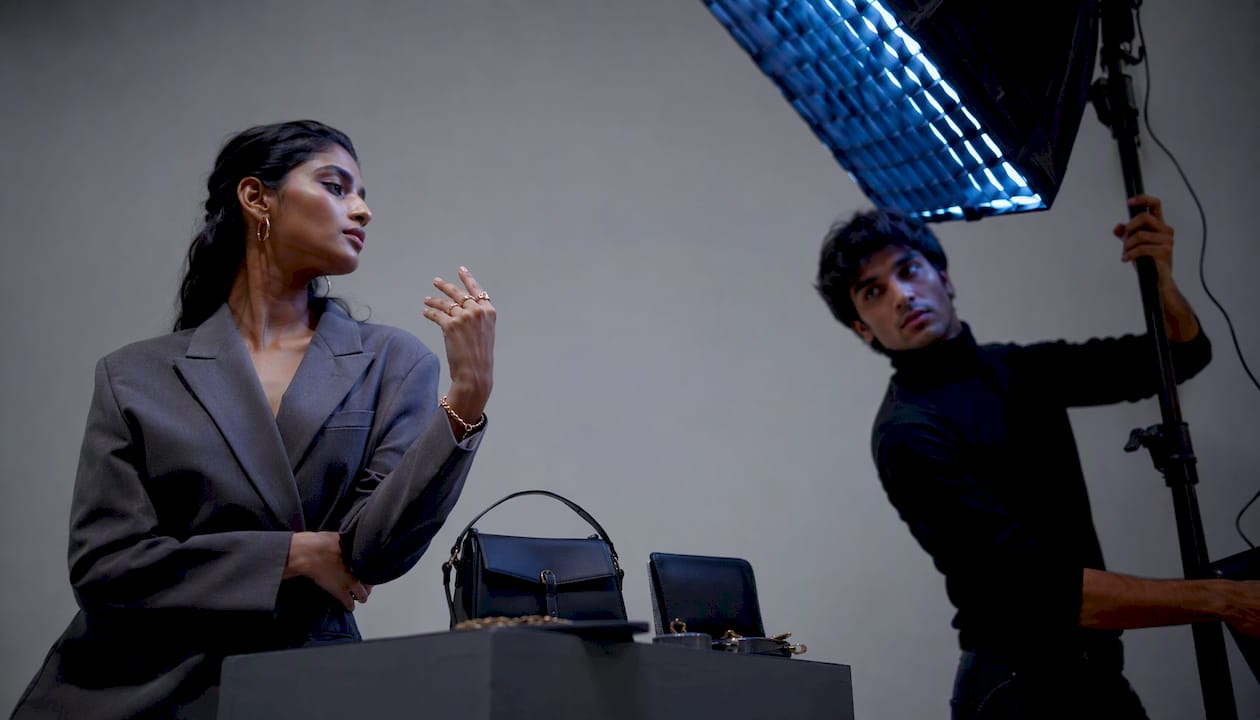
Milanote’s visual board approach works well here — its 7-step photoshoot workflow emphasizes grouping shots by lighting setup and attaching reference images to each row. A typical product session covers 6–12 setups per SKU.
| Shot | Description | Size | Lighting | Background | Priority |
|---|---|---|---|---|---|
| P-1 | Front-facing hero on white | CU | Softbox key | White seamless | Must-have |
| P-2 | angle showing texture | CU | Side rim | White seamless | Must-have |
| P-3 | Lifestyle flat lay with props | WS | Natural window | Linen surface | Preferred |
Wedding and event
For weddings, a must-have shot checklist for grooms and couples is the fastest starting point. Pair it with a location-grouped shot list to avoid missing non-repeatable moments. Most wedding videographers plan 60–100 shots across a full day.
Pro Tip: Review common videography mistakes at weddings before finalizing your wedding shot list — missed coverage at a ceremony cannot be reshot.
Portrait and headshots
Portrait sessions benefit from a subject-rotation grid. Plan 4–8 setups per subject, varying background, wardrobe, and expression direction.
Shot list vs. storyboard: which one do you need?
Use a shot list when coverage and shoot-day efficiency are the priority. Use a storyboard when exact framing and visual continuity are critical — animation, VFX-heavy sequences, or any scene where the edit is pre-determined.
Shot list strengths:
- Fast to create and update
- Shareable with the full crew in any format
- Flexible enough to reorder on set
Shot list limitations:
- Does not communicate framing or composition visually
- Offers no edit-sequence reference
Storyboard strengths:
- Communicates exact framing, composition, and visual rhythm
- Aligns director, DP, and editor before a single frame is shot
Storyboard limitations:
- Time-intensive to produce
- Less useful for documentary, event, or run-and-gun work
Three questions to decide quickly: Is the shot compositionally complex or VFX-dependent? Do you need the editor to understand the sequence before the shoot? Is the schedule tight enough that framing ambiguity would cost time? If you answer yes to any of them, add a storyboard alongside the shot list.
How to use, share, and update your shot list on set
The shot list becomes a working instrument only when it travels with the crew. Keep one printed copy for the director and 1st AD, and maintain an editable digital master in Google Sheets or StudioBinder. Veteran producers often prefer print on fast-paced or bright outdoor shoots, where screens slow the pace.
Sharing and checkoff practices:
- Director and 1st AD: full printed list with priority column visible
- DP and camera operators: camera-specific columns only (shot size, movement, lens, status)
- Stylist and art department: description and notes columns, plus any reference image links
- Client or brand rep: a simplified version showing scene, description, and priority
Mark each shot as Done the moment it is captured — not at the end of the scene. When a shot is replaced or deferred, note the substitution in the Status or Notes column rather than deleting the row. That record matters during post-production.
Integrate the shot list with the call sheet by cross-referencing scene numbers and location blocks. Ordering by shooting setup rather than story order is the practice that keeps the call sheet and shot list aligned — both documents should reflect the same sequence.
Research-backed tips and the mistakes that cost productions most
The three practices with the clearest impact on shoot-day outcomes: collaborate on the list before locking it, keep it flexible enough to pivot, and order it by shooting needs rather than narrative sequence.
Pro Tip: Attach visual references — phone snaps, sketches, or mood-board images — to individual rows. Shared visual context cuts direction time and reduces the ambiguity that leads to reshoots.
Common mistakes that derail productions:
- Skipping the priority column. When the schedule compresses, there is no clear guide for what to protect.
- Ordering by story sequence instead of shooting setup. Resetting lighting and camera position between every shot is the fastest way to run over schedule.
- Omitting time estimates. Without per-shot estimates, the 1st AD cannot defend the day’s runtime or flag overruns early.
- Not sharing with the full crew before the shoot. Surprises on set cost more than pre-production conversations.
- Treating the list as static. A shot list that cannot be updated on set is a liability, not a tool.
A well-organized shot list reduces the risk of missed coverage — and missing coverage is a top driver of reshoots and budget overruns. The document’s value is not in its creation; it is in its use on the day.
An editorial perspective on what shot lists actually do
The shot list is often framed as a logistical artifact — a grid of numbers and abbreviations that lives in a folder and gets forgotten by lunch. That framing misses the point entirely. A well-constructed shot list is a creative argument: it encodes the director’s or photographer’s vision into a sequence that the entire crew can execute without constant verbal direction. The columns are not bureaucracy. They are the translation layer between intention and image.
The most common failure mode is not a missing column or a wrong lens note. It is the shot list that was built in isolation — by the director alone, the night before the shoot — and never reviewed with the DP or 1st AD. Collaboration in pre-production is what converts a list of desired shots into a realistic, executable plan. The document that emerges from that conversation is categorically different from the one that did not have it.
ANT Management works with productions at exactly this intersection: the moment when creative vision needs to meet vetted, experienced crew. The shot list you build is only as strong as the team that executes it.
ANT Management connects your shot list to the right crew
A shot list without the right talent behind the lens is a plan without execution. ANT Management connects brands, agencies, and event organizers with photographers, videographers, stylists, stunt coordinators, and content creators — each selected through a rigorous curation process prioritizing both creative range and professional reliability.
For productions that need more than a booking, ANT Management offers project management support and talent development through ANT Camp, its dedicated training program. Whether the brief calls for a fashion editorial, a commercial campaign, or a product shoot, the agency’s network across the US, Europe, and Asia means the right crew is within reach. Visit Antmgmt to explore talent options or submit a project brief.
Sources
Ready-to-open resources for every shoot type and workflow:
- What is a Shot List? Examples and a Brief Definition
- How to Make a Shot List: A Step-by-Step Guide (with Template) (2026)
- Shot List for Film: Complete Guide (With Examples, Templates…)
- How To Create a Photography Shot List: Step-By-Step Guide
- Shot List Template: Free Guide & Download
- How to Write a Shot List That Your Crew Will Actually Use | Tools for Film